Artificial intelligence is no longer just a buzzword. In 2026, students are using AI tools every day to study smarter, save time, improve their writing skills, create presentations, and even prepare for job interviews. The best part? Many powerful AI tools are completely free to use.
Whether you’re a school student, college student, or preparing for a competitive exam, the right AI tools can make your work much easier. From writing assignments to instantly solving doubts, AI has become a personal study assistant for millions of students around the world.
If you’re looking for the best free AI tools for students in 2026, this guide will help you find the right option.
Why Students Are Using AI Tools in 2026
Nowadays, students juggle multiple tasks at the same time. Juggling assignments, online classes, resumes, projects, presentations, coding practice, and exam preparation can be overwhelming.
- Save time on repetitive tasks
- Improve writing and grammar
- Create better presentations
- Learn coding faster
- Generate study notes instantly
- Practice interviews and communication
- Increase productivity
Many universities and companies are also encouraging students to learn how to use AI responsibly because AI skills are becoming valuable in modern careers.
1. ChatGPT
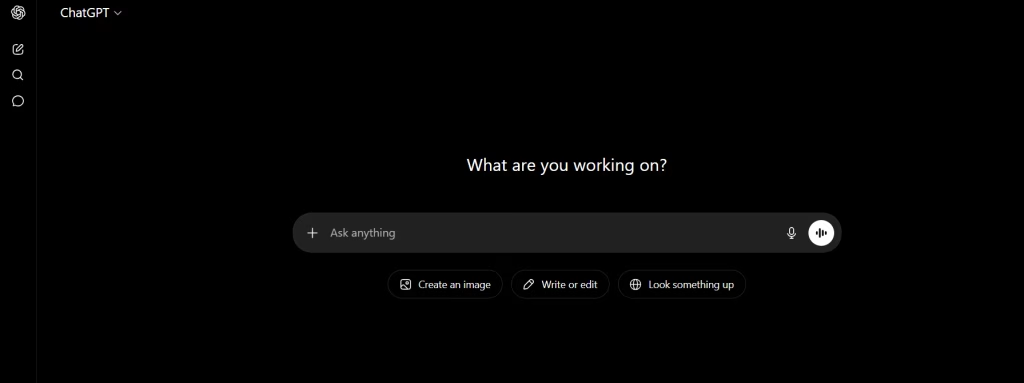
ChatGPT will continue to be one of the most useful AI tools for students in 2026. It can help with writing assignments, summarizing long chapters, solving doubts, generating ideas, and even explaining complex topics in simple language.
Students mainly use ChatGPT for:
- Homework help
- Essay writing
- Study notes
- Coding assistance
- Interview preparation
- Learning new concepts
The free version is already powerful enough for most students.
Best For
Students who want an all-in-one AI study assistant.
2. Grammarly
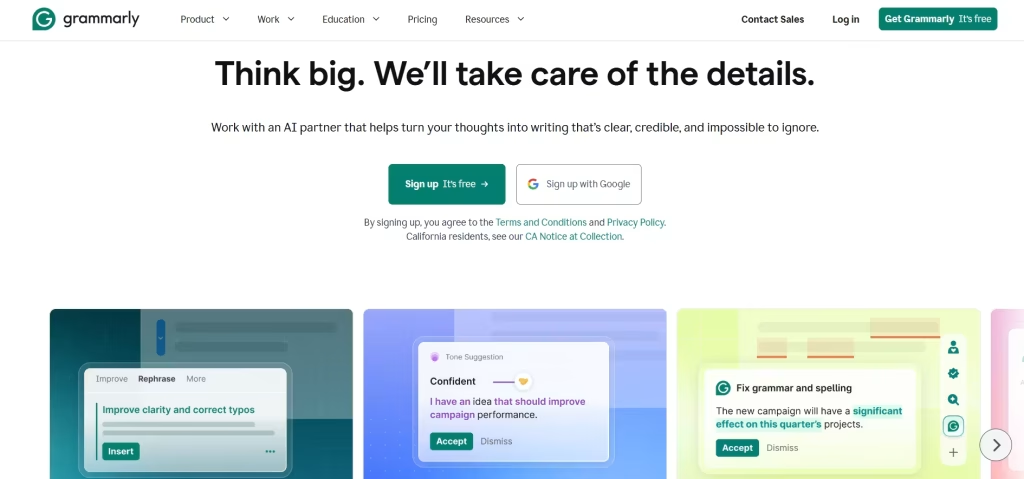
Grammarly is one of the best AI writing assistants available today. It helps students correct grammar mistakes, improve sentence structure, and make assignments look more professional.
If you regularly write emails, reports, essays, or project documentation, Grammarly can save you a lot of time editing.
Key Features
- Grammar correction
- Tone improvement
- AI writing suggestions
- Plagiarism checking
- Email writing support
Best For
Students who want better English writing skills.
3. Canva AI
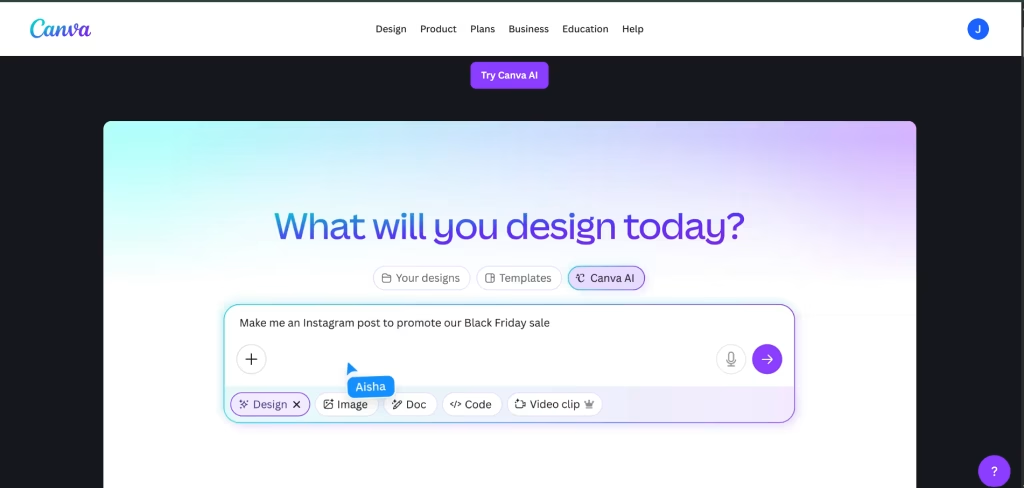
Canva AI is becoming very popular among students because it gives a professional look to presentations and projects without any design skills.
With AI features, students can generate:
- Presentation slides
- Posters
- Infographics
- Resume templates
- Social media graphics
Many college students use Canva AI to create assignment presentations in minutes.
Best For
Presentation design and academic projects.
4. Notion AI
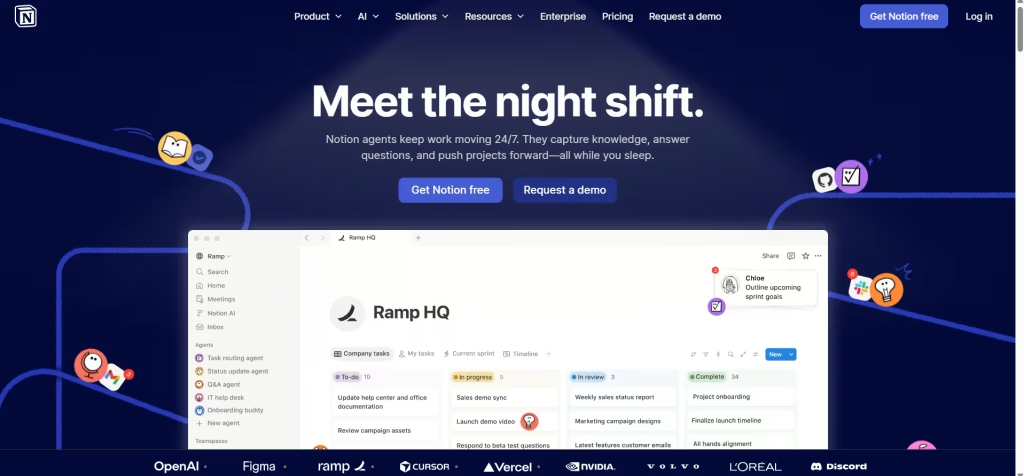
Notion AI is perfect for organizing study material and increasing productivity.
Students can use it for:
- Class notes
- Study planning
- Task management
- Assignment tracking
- AI-generated summaries
The clean interface makes it easy to manage daily study routines.
Best For
Students who want better productivity and organization.
5. QuillBot
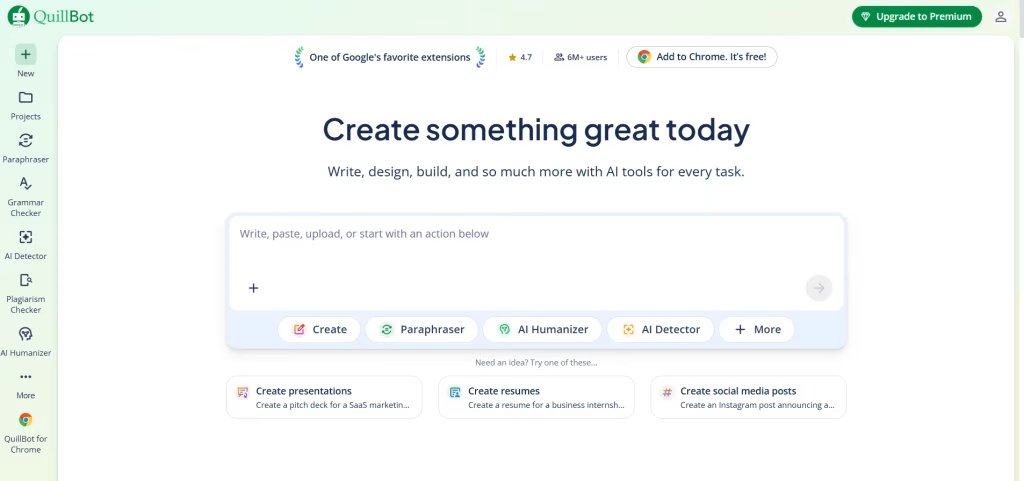
QuillBot is one of the best free AI paraphrasing tools available online.
Students use QuillBot to:
- Rewrite paragraphs
- Improve writing quality
- Simplify difficult sentences
- Generate summaries
- Avoid repetitive wording
It is especially useful for research work and project documentation.
Best For
Paraphrasing and rewriting content.
6. Perplexity AI
Perplexity AI is a fast-growing AI search tool that gives direct answers with better explanations.
Unlike traditional search engines, it provides summarized answers instantly, which helps students save time while researching topics.
Why Students Like It
- Fast research
- AI-powered answers
- Simple explanations
- Time-saving search experience
Best For
Research and quick learning.
7. GitHub Copilot
Students learning programming or software development can use GitHub Copilot to improve coding speed and understand programming concepts.
It can suggest code, explain functions, and help beginners learn faster.
Useful For
- Python
- JavaScript
- Java
- Web development
- Debugging
Best For
Computer science and coding students.
8. Google Gemini
Google Gemini is another powerful AI assistant that students are using in 2026.
It integrates well with Google services like:
- Docs
- Gmail
- Drive
- Sheets
- Classroom
Students can use Gemini for research, writing help, and productivity tasks.
Best For
Students already using Google Workspace.
9. Otter AI
Otter AI is very useful for recording and converting lectures into notes.
Many students struggle to take notes during fast lectures. Otter AI solves this problem by automatically generating transcripts.
Features
- Voice transcription
- Lecture notes
- Meeting summaries
- Real-time captions
Best For
Students attending online or offline lectures regularly.
10. Resume Now AI Tools
Students preparing for internships and jobs can use AI resume tools to create professional resumes quickly.
A strong resume can increase the chances of getting shortlisted for internships, remote jobs, and fresher roles.
If you want a detailed guide on resume-building AI platforms, you can also read our article on:
Best AI Resume Builders in 2026 https://gchamirpur.in/best-ai-resume-builders/
Best For
Internship and job preparation.
How AI Tools Are Changing Student Careers
AI tools are not just helping students study better. They are also helping students prepare for future careers.
Companies now expect candidates to:
- Understand productivity tools
- Use AI responsibly
- Improve communication skills
- Work faster with automation
Students who learn AI tools early may get advantages in:
- Internships
- Freelancing
- Remote jobs
- Technical interviews
- Productivity-based roles
Tips for Using AI Tools Responsibly
AI tools are helpful, but students should avoid depending completely on them.
Best practices include:
- Use AI for learning, not cheating
- Verify important information
- Rewrite content in your own words
- Learn concepts instead of copying answers
- Use AI to improve productivity
Responsible AI usage can actually improve learning speed and confidence.
Leave a Reply